

Before you begin
- A SocialMatix account
- Login credentials for at least one social account you want to display (e.g., Instagram, Facebook, TikTok)
- Access to your website’s code or CMS so you can paste an embed snippet
Steps
1
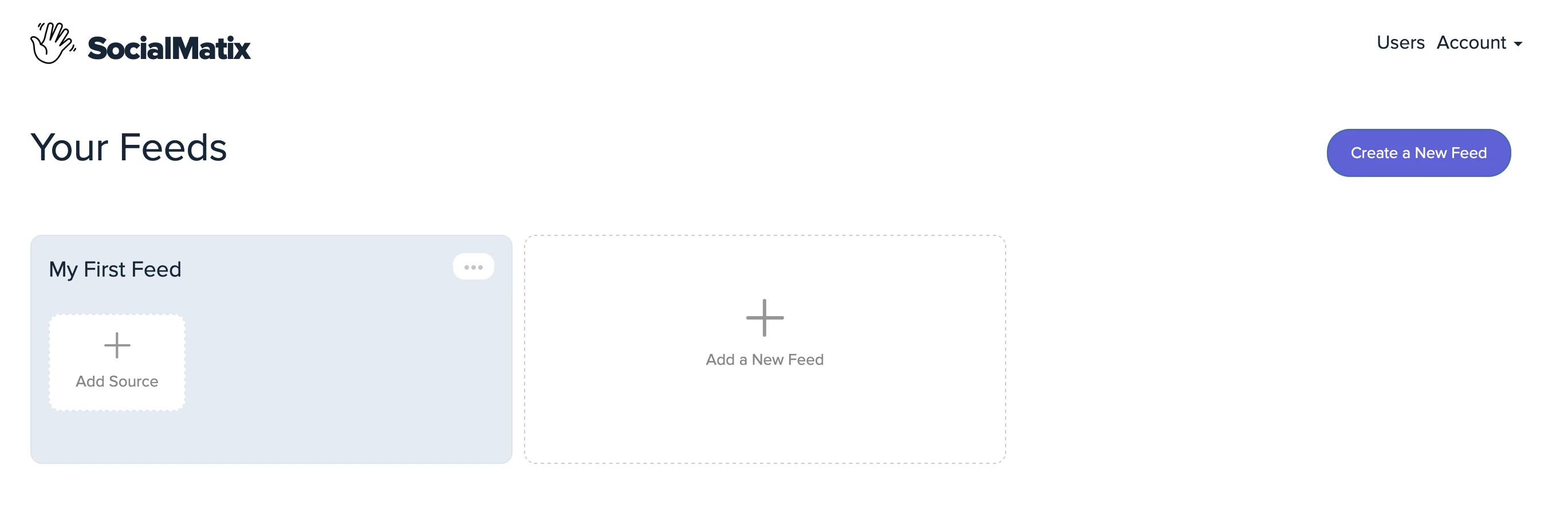
Add a source to your feed
2
Add a source to your feed
3
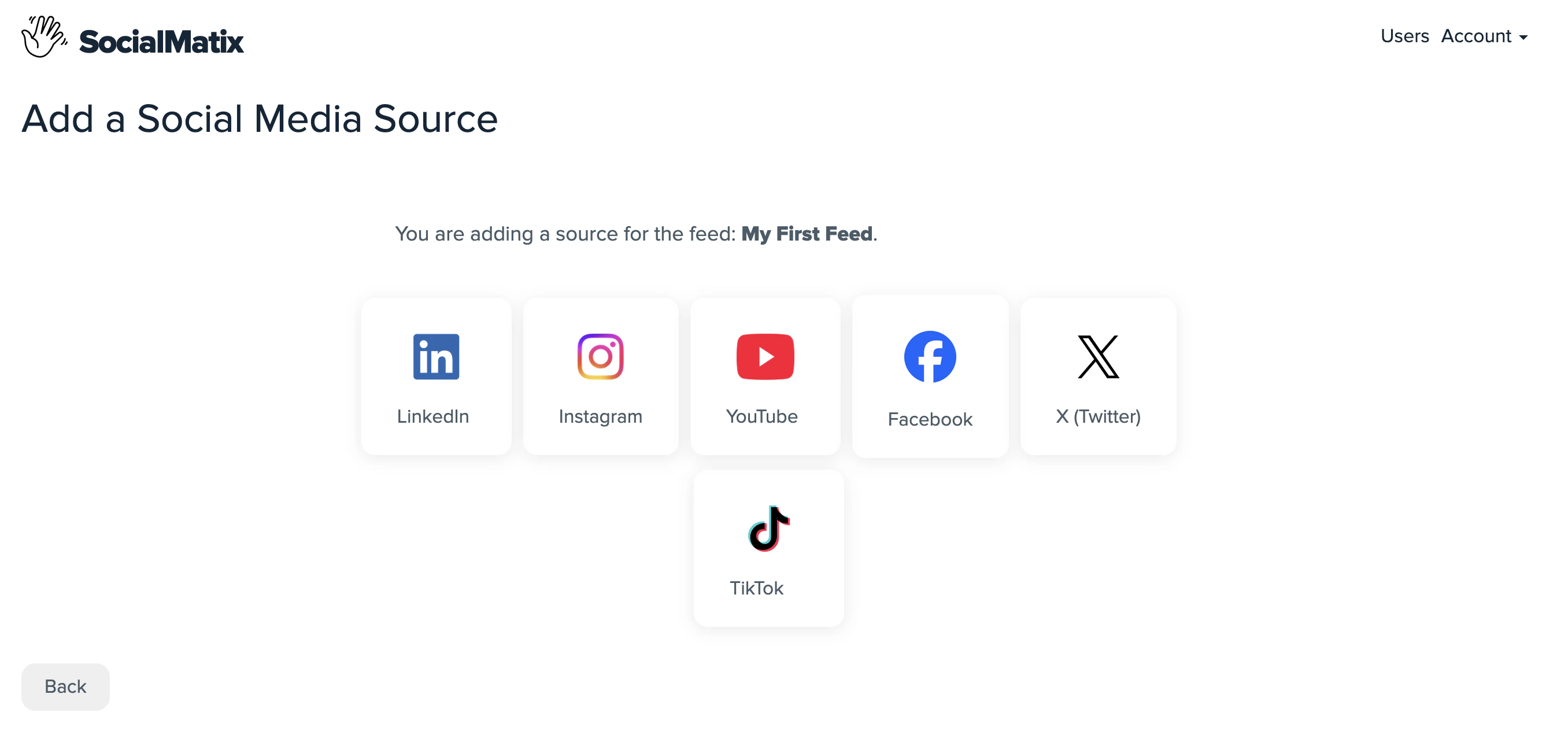
Choose a social network
4
Choose a social network
5
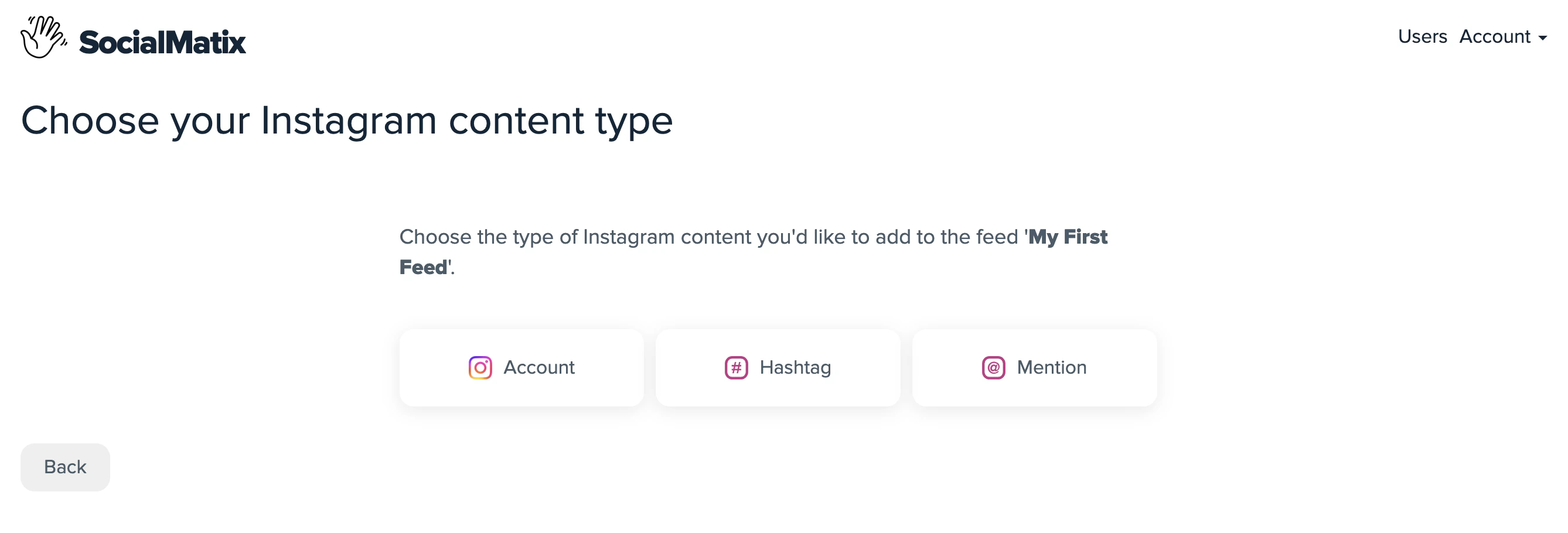
Connect your account
6
Connect your account
7
Edit and style your wall

8
Edit and style your wall
9
Publish your changes

10
Publish your changes
11
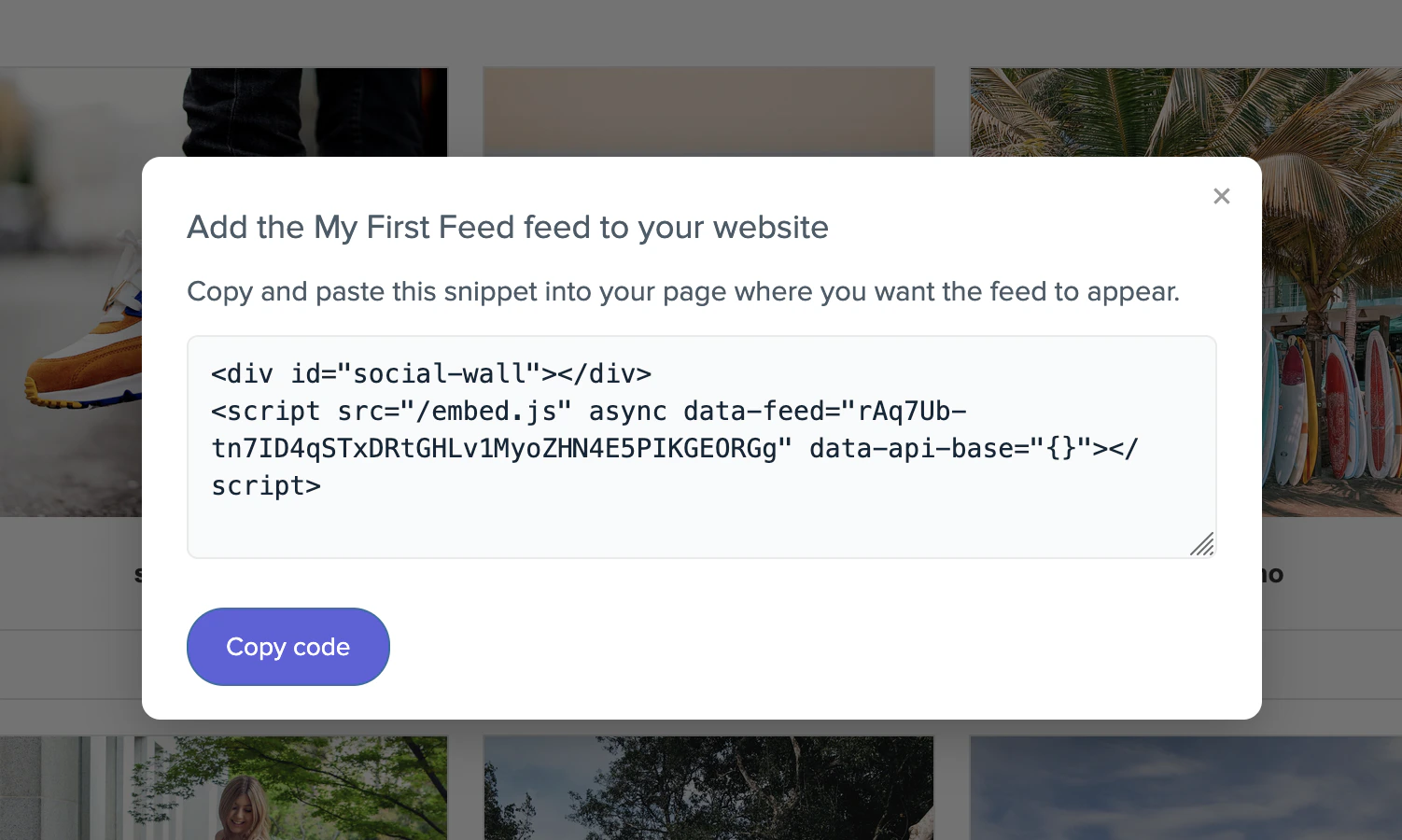
Get your embed code
12
Get your embed code
Newly published changes can take a few moments to propagate to embedded walls. Refresh your site to see the latest version.
Next steps
- Review key concepts to understand feeds, sources, and moderation.
- Configure user management to invite teammates.
- Explore additional integrations to add more sources to your wall.